CTA Inline Block
Overview
The CTA (call-to-action) inline block is a container in which holds other blocks with the intentions of driving a visitor towards taking a specific action.
Contents:
- Block customization options
- Block examples
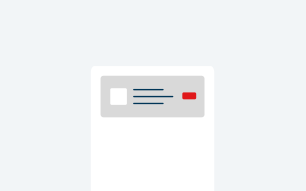
Block Customization Options
|
Element |
Required |
Options Available |
|---|---|---|
|
Reduce Bottom Padding |
N |
Checkbox |
| Background Color | N |
|
| Image | N |
|
| Title | N |
|
|
Description |
N |
Text Input |
| Use Miniform | N |
|
| Call-to-Action Button | N |
|
CTA Inline Block with Button

Block above has these settings:
| Element | Options Available |
|---|---|
| Reduce Bottom Padding |
Checkbox |
| Background Color |
Light Blue |
| Image |
|
| Title |
|
| Description |
Text Input |
| Call-To-Action Button |
|
CTA Inline Block with Mini Form

Heading Text
CTA Inline Block description.
Block above has these settings:
| Element | Options Available |
|---|---|
| Reduce Bottom Padding |
Checkbox |
| Background Color |
None |
| Image |
|
| Title |
|
| Description |
Text Input |
| Miniform |
|